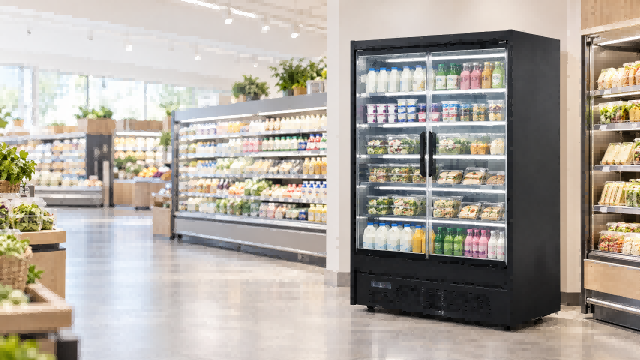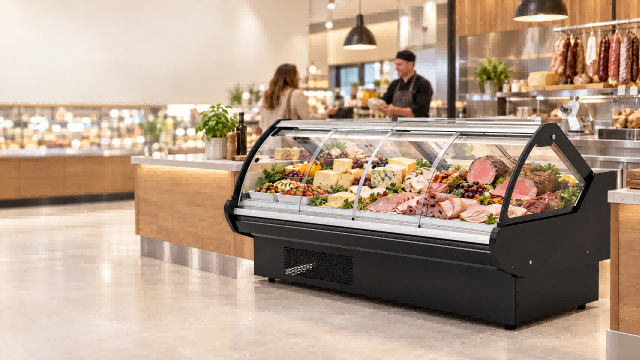
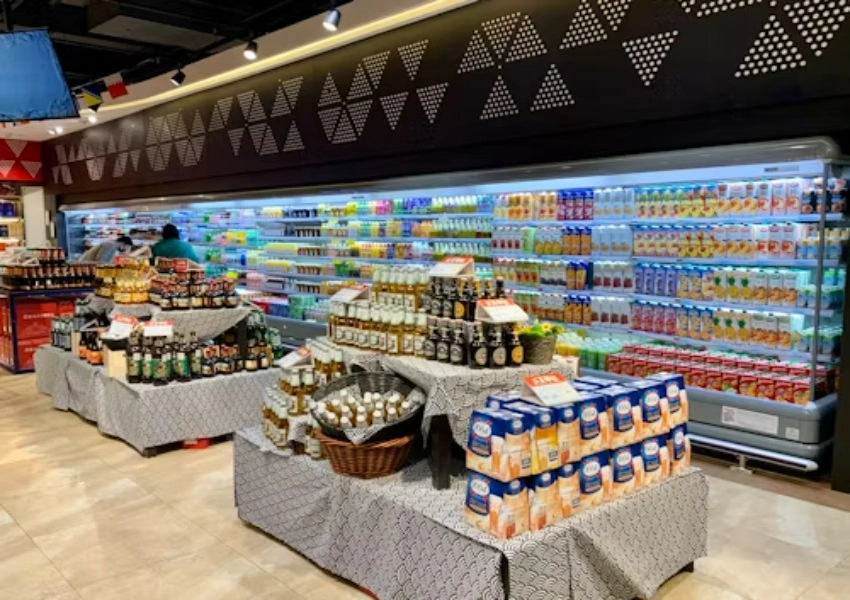
A display refrigerator can look full and still be working badly. The shelves are bright, labels face forward, and the aisle looks ready for shoppers. Then a store audit finds warm yogurt on the top deck, soft drinks above target temperature near the end panel, or vegetables drying out close to the air outlet. In many cases the fault is not the compressor. It is commercial refrigerator airflow being blocked by the way shelves are loaded.
Shelf loading is a quiet problem because it sits between merchandising and refrigeration. Store teams want maximum facing. Refrigeration teams need clear supply air, open return paths, and stable air curtains. B2B buyers should treat this as a specification issue before the order is placed, especially when comparing multideck chillers, glass door display cases, and supermarket chiller airflow layouts for different store formats.
Why Airflow Matters In Display Refrigerators
A chiller does not only make cold air. It has to move that air in a controlled pattern, carry heat away from products, and return air back to the evaporator. When that circulation is steady, product temperature stays more even. When the pattern is disturbed, refrigerator warm spots can develop while the controller still reads an acceptable average temperature.
Supply Air And Return Air Need Space
Most display cases depend on a clear supply air path and an open return. If cartons, trays, bags, or tall bottles sit past the design line, cold air can hit the product face and spill into the aisle instead of returning through the cabinet. The controller may respond by running longer, but a longer runtime cannot correct a blocked path.
The Air Curtain Is Not A Wall
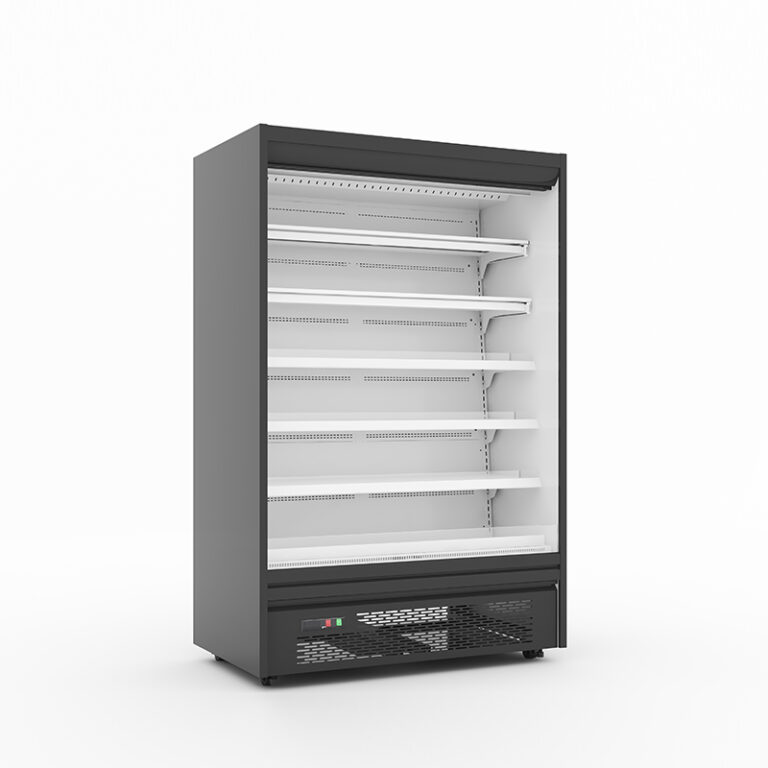
Open multideck cabinets often rely on an air curtain to separate the cold zone from the store aisle. That curtain is a moving layer of air, not a physical barrier. A shopper’s arm, a protruding shelf display, or an overloaded top deck can break it. Once the curtain loses shape, warm store air mixes with chilled air, and the front row becomes the first place to drift.
How Shelf Loading Creates Warm Spots
Warm spots usually appear where merchandising habits fight cabinet design. The issue may happen in a new store with enthusiastic stocking or in an older branch where teams slowly change shelf layouts over time. The cabinet has no way to know that a brand promotion pushed the loading line forward.
Products Cross The Loading Line
The display fridge loading line marks the front boundary for safe product placement. It may be a groove, label strip, shelf edge, or marked zone in the manual. When a product crosses it, the air curtain can be pulled forward or split. The store gains a few centimeters of display depth but loses temperature stability in exactly the area shoppers touch most.
Dense Packaging Blocks The Shelf Gap
Refrigerated shelf loading is not only about front depth. Dense packs can block vertical airflow between shelves, especially with trays, large cartons, and flat snack displays. A shelf full of small bottles behaves differently from a shelf full of boxed ready meals. Buyers should ask whether the shelf angle, back stop, and perforation pattern can suit the product category.
Cabinet Design Features Buyers Should Check
The best airflow design still needs disciplined loading, but cabinet details make good habits easier. Buyers should look beyond capacity numbers and ask how the case guides staff behavior during daily replenishment.
Multideck Chillers Need Adjustable Shelves
A multidecks open chiller should offer enough shelf adjustment for bottles, dairy packs, fruits, and prepared food without forcing staff to build unstable stacks. Create Refrigeration’s remote air curtain display fridge lists a double air curtain structure, 7-layer adjustable shelves, auto defrost, a transparent night curtain, R404A/R290/R448A refrigerant options, an Elitech thermostat, a Secop compressor, and a copper tube evaporator. Those details are directly tied to supermarket chiller airflow, because shelf position and air curtain stability work together.
Glass Door Displays Still Need Air Discipline
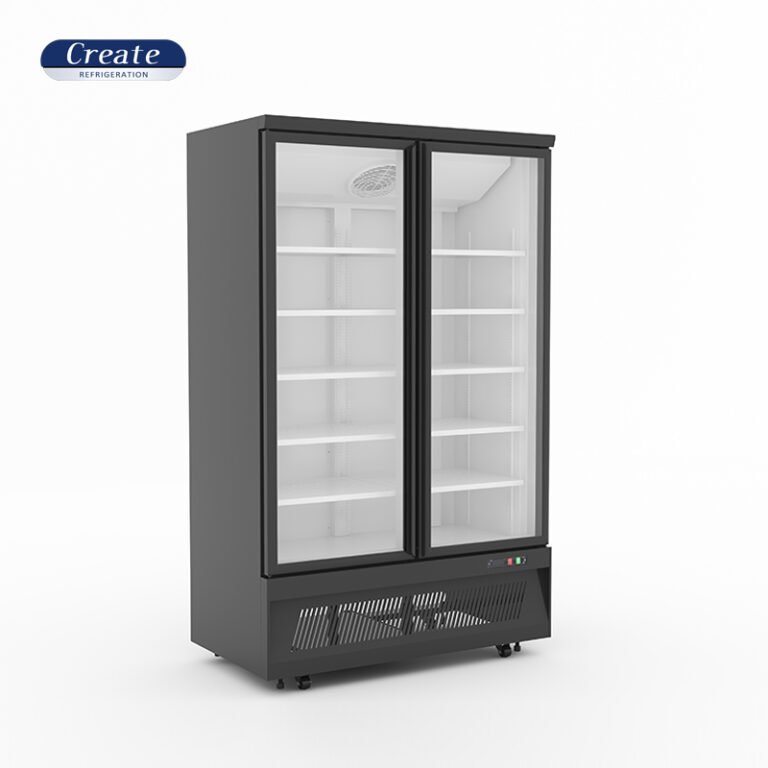
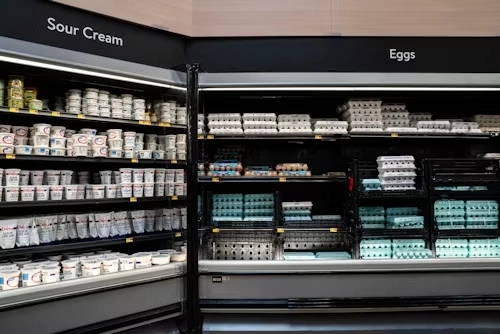
Doors reduce aisle air exchange, but they do not remove the loading problem. A glass door display case can still develop warm corners when packs sit tight against the back wall, block fan discharge, or cover return grilles. The buyer should check shelf depth, gasket behavior, self-closing action, and whether the case can recover after frequent door openings.
A Practical Loading Checklist For Store Teams
A buyer cannot control every store employee after installation, but the RFQ can require simple tools: visible loading marks, staff training notes, shelf plans, and product-specific layout drawings. The checklist below is short enough for a store manager to use during daily walks.
1. Keep every SKU behind the loading line, including promotional packs.
2. Leave a clear return-air gap at the front or base of the case.
3. Do not press products against rear discharge slots or fan covers.
4. Use shelf angles that support visibility without sliding product into the air curtain.
5. Separate high-density cartons from delicate produce or dairy where airflow needs differ.
6. Check top shelves after restocking, because warm spots often start high and forward.
7. Record any recurring warm area before changing the thermostat.
The goal is not less merchandise. It is a smarter display. A well-loaded case can show product cleanly while keeping air moving. If a store needs more facing than the cabinet allows, the better answer may be another module, a deeper case, or a different category layout rather than forcing more product into the same chilled space.
Factory Support Helps Turn Airflow Into A Store Layout
Airflow problems often start before the first shelf is stocked. A narrow aisle, a hot bakery next to an open chiller, strong entrance drafts, or an end-cap promotion can all affect cabinet behavior. This is why layout support matters for B2B buyers. Create Refrigeration works from Xingfu Industrial Park in Binzhou, Shandong, and it has commercial supermarket refrigeration equipment, supermarket shelves, cold storage projects, CAD drawings, 3D supermarket layout renderings, OEM/ODM support, customized or modified products, a one-year warranty, DDP service when an address is provided, and spare parts for some bulk orders.
Match The Product Category To The Case
Create Refrigeration’s plug-in display chiller cabinet has 5 metal shelves with angle adjustment, auto defrost, a transparent night curtain, R404A/R290, an Elitech thermostat, a Secop compressor, copper tube evaporator, an Ebm fan, and all-round cold air transportation in the cabinet. That makes it a relevant option for convenience stores or smaller shops where the buyer needs clear category separation and fast installation.
Use Drawings Before Confirming Shelf Plans
For larger stores, drawings are not decorative. They help check air discharge direction, aisle width, cabinet lineup, end-panel exposure, and stocking routes. A buyer can send the supplier a store CAD file, expected product categories, voltage, refrigerant preference, and traffic conditions, then request a case-by-case shelf plan. This prevents a common mistake: buying a cabinet by nominal capacity, then asking it to carry a merchandising layout it was not built to support. For more detail, see our guide on this article.
FAQ
Q1: What is the most common cause of refrigerator warm spots in display cases?
A1: Product crossing the loading line, blocked return air, dense cartons, weak door discipline, and disrupted air curtains are common causes.
Q2: Can a lower thermostat setting fix poor commercial refrigerator airflow?
A2: Usually not. It may increase runtime while the blocked area stays unstable. Fix the loading pattern and airflow path first.
Q3: What should buyers ask before ordering a glass door display or multideck chiller?
A3: Ask for shelf depth, loading line guidance, air curtain design, door recovery, refrigerant, controller, spare parts, and layout support for the store.